Timing
Each translated segment stays connected to the original timestamp.
Turn a public video into translated text without losing the timeline. Compare the original, review important terms and export the result for notes, research or subtitle workflows.
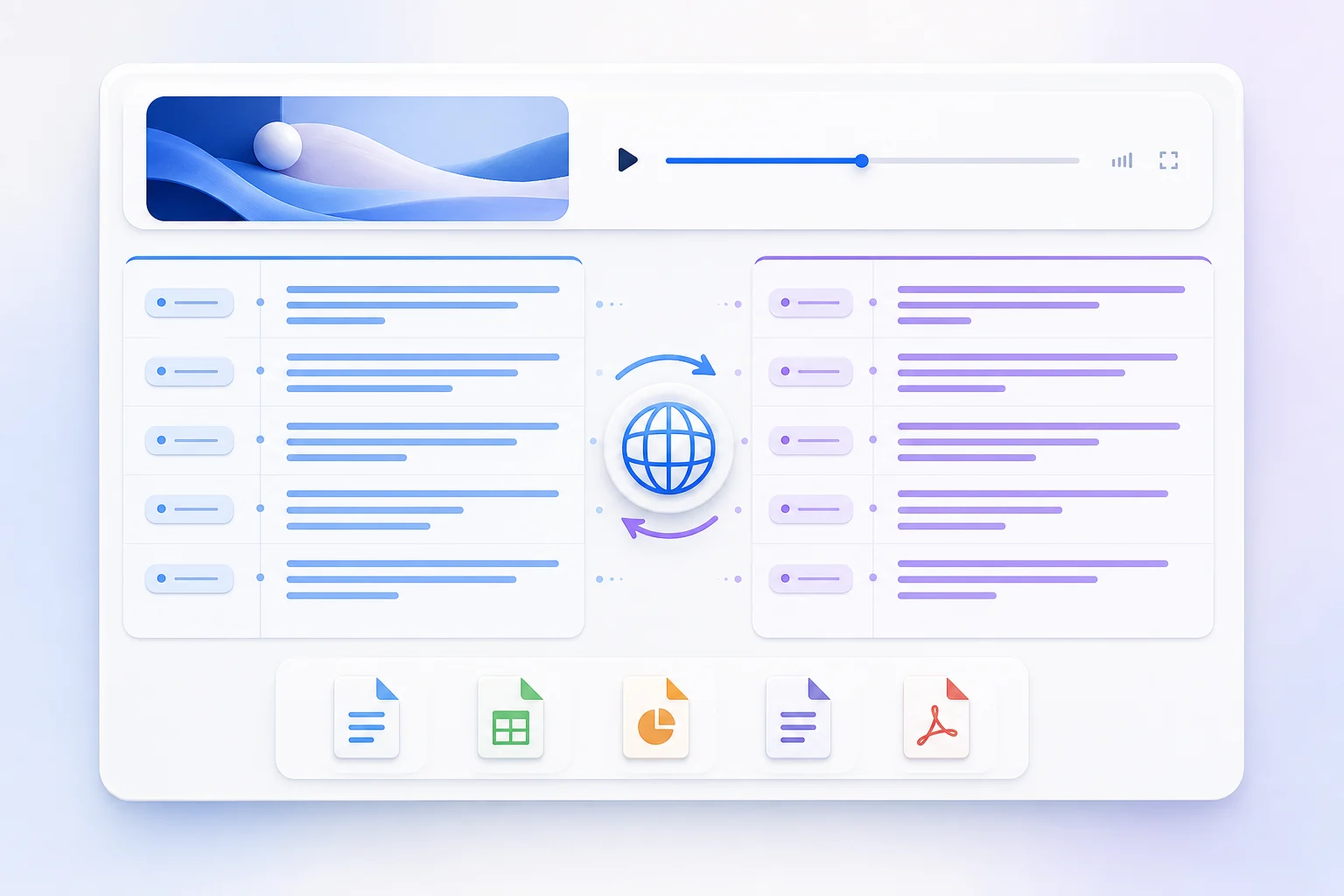
Keeping structure matters when the translation becomes a source for quotations, study notes or subtitles.
Each translated segment stays connected to the original timestamp.
The sequence remains aligned so context is not mixed between passages.
Natural phrasing matters, but names and technical terms need review.
Copy readable text or continue in subtitle-friendly export formats.
Best for clean notes, search, summaries and pasting into another tool.
Timing is optionalWidely supported by video editors and publishing platforms.
Uses numbered timed cuesDesigned for browser players and web-based caption workflows.
Web-friendly timing formatFix caption mistakes before they become confident translation mistakes.
Keep a short glossary for product names, people and technical vocabulary.
Prefer natural phrasing, but confirm that qualifications and negations remain.
For subtitles, play the video and check reading speed, cue breaks and sync.
Compare passages side by side, collect vocabulary and return to the spoken example.
Preserve timed cues for editing, accessibility and multilingual publishing.
Analyze material in your preferred language while retaining links to the source.
Yes. Paste a public YouTube link, generate its available transcript, choose a target language and start the translation. You can switch between the original and translated text before copying or exporting it.
Yes. The translated segments retain the timing of the source transcript. This makes it easier to return to the original moment and to continue working with subtitle formats.
The tool supports more than 30 target languages, including Spanish, French, German, Portuguese, Ukrainian, Russian, Arabic, Hindi, Chinese, Japanese and Korean.
Not automatically. Review names, numbers, terminology, reading speed and line breaks before publishing. The original captions may also contain recognition errors that carry into the translation.
Use TXT for reading, notes and AI workflows. Use SRT for common video-editing and subtitle workflows. Use VTT for web video captions and browser-based players.
Long transcripts may need to be translated in sections. Preserve the segment order and keep a terminology list so names and specialist terms stay consistent from beginning to end.
InsightsTube needs a caption track published by the creator or generated by YouTube. If there is no transcript to retrieve, translation is not available.
Paste a link, generate the transcript, choose a language and keep the timing connected to the original video.
Translate transcript →