Understand the argument
“What is the speaker's main claim, and what evidence supports it?”
A concise claim-and-evidence map
Ask what the speaker said, find the evidence behind a claim, turn a tutorial into steps, or jump to the moment that matters. Answers use the video transcript as their source.
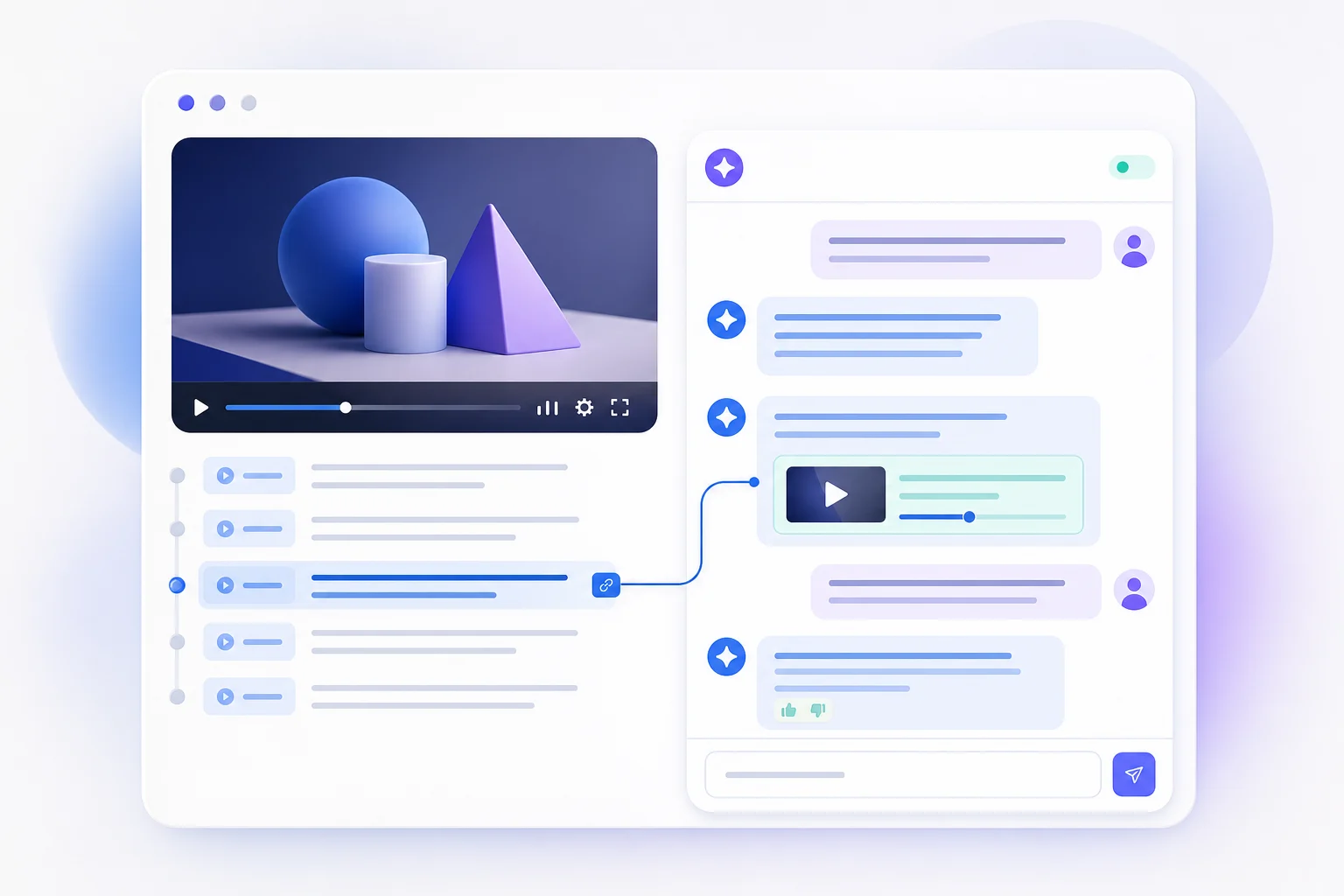
The best transcript questions specify the job: understand, locate, compare or turn an idea into action.
“What is the speaker's main claim, and what evidence supports it?”
“Where does the speaker explain the pricing strategy?”
“Convert the advice into a five-step checklist for a beginner.”
“What objections does the speaker mention, and how are they answered?”
Transcript chat is most useful as a navigation layer over the original source. It helps you discover where to look and what to verify.
Ask a vague question, copy the first answer and treat it as an exact quotation without checking the caption quality or video context.
Ask a focused question, request the supporting moment, open the timestamp and verify names, numbers and wording in the original video.
Explain a concept, create revision questions and find where a definition appears.
Compare guest opinions, extract recommendations and locate memorable passages.
Turn an explanation into a checklist, prerequisites and troubleshooting steps.
The video is first converted into a transcript. Your questions are then answered from that text, so you can explore the speaker's arguments, examples and recommendations without searching the timeline manually.
InsightsTube sends the transcript together with your question to an AI model. Treat the answer as a guide to the source, not a replacement for it: open the cited moment and verify important quotes, numbers and claims against the video.
Specific questions produce the most useful answers. Ask for a comparison, a checklist, the evidence behind one claim, or the timestamp where a topic appears. Broad prompts such as 'tell me everything' usually produce a less focused result.
Yes, when a transcript is available. For long podcasts or lectures, begin with the summary or chapters, then ask about one section or topic at a time.
Use transcript chat to locate relevant passages, then verify the wording and context in the original video. Automatic captions and AI answers can both contain mistakes, especially with names, numbers and technical terms.
InsightsTube needs a caption track published by the creator or generated by YouTube. If no captions are available, the transcript and chat cannot be created.
Paste a link, get the transcript and ask a question grounded in the source. Free with a Google account.
Chat with a transcript →