How to Use a YouTube Transcript with ChatGPT or Claude
A YouTube transcript is one of the easiest ways to use AI with a video. Instead of asking ChatGPT, Claude or Gemini to guess what happened, give it the actual text of the video and ask for the output you need.
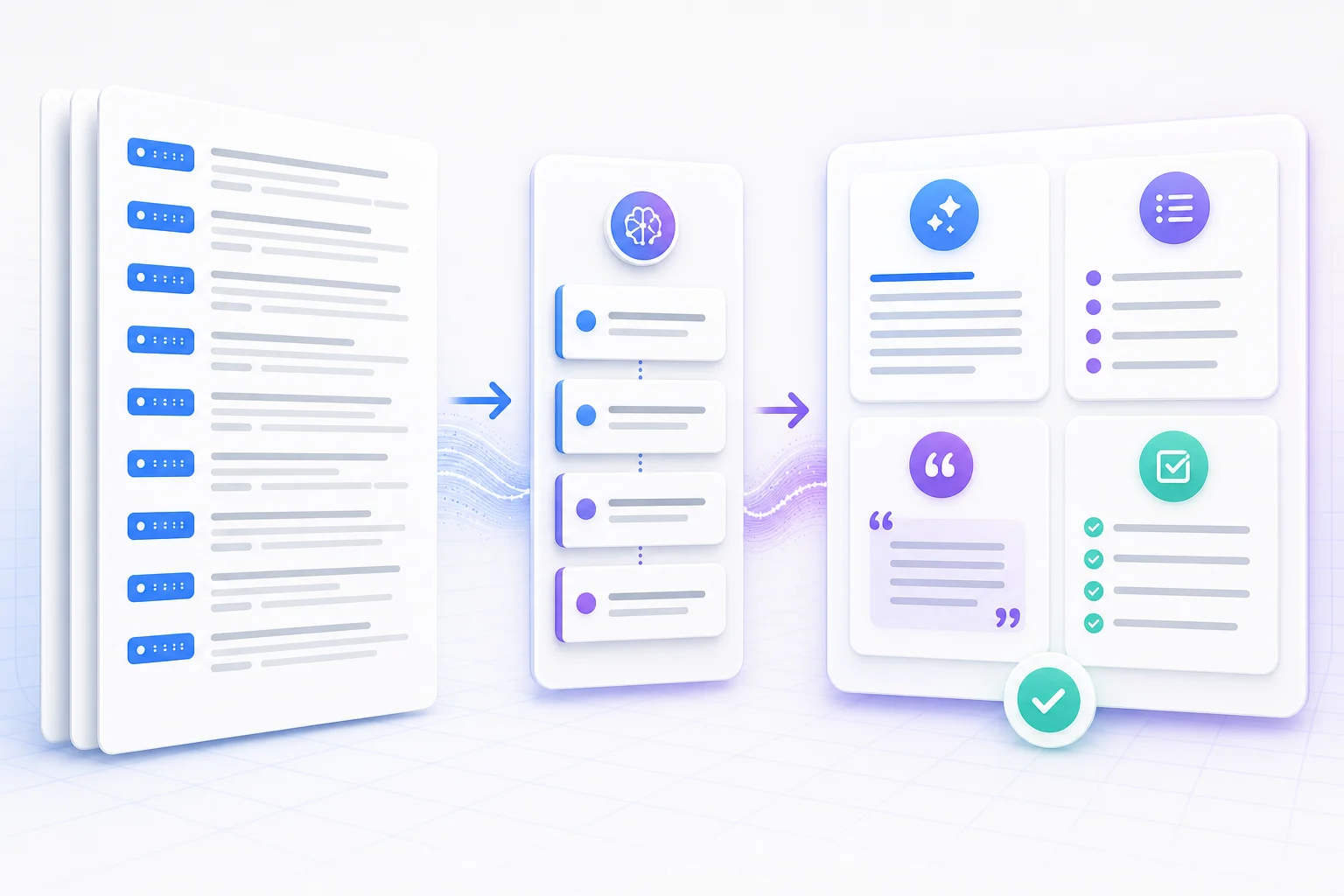
Step 1: Get the YouTube transcript
Start by copying the video URL and generating the transcript. Keep timestamps if you want quotes, citations or links back to exact moments in the video. Remove timestamps if you only need clean notes, a rewrite or a blog outline.
With InsightsTube, paste a YouTube link, generate the transcript, then copy the text or use the built-in AI summary and chat tabs.
Before you paste: clean only what matters
A transcript does not need to read like a finished article before an AI assistant can analyze it. Keep the speaker's wording, paragraph order and timestamps. Remove repeated navigation labels, unrelated comments or obvious duplication, but avoid rewriting the source before the analysis begins.
Removing all timestamps, paraphrasing difficult sections and merging several speakers into one block before asking for evidence.
Speaker turns, topic boundaries and timestamps for the claims, quotes or moments you may need to verify later.
Step 2: Paste the transcript into ChatGPT, Claude or Gemini
Put your instruction before the transcript. This gives the AI a clear task before it reads the video text. For long transcripts, ask for a structured answer instead of a vague summary.
Use a four-part prompt instead of a vague request
A useful prompt tells the assistant what role to take, what task to perform, how to format the answer and which source rules to follow. This structure is more reliable than simply asking to “analyze this video.”
“Act as a careful research assistant.”
“Identify the argument and supporting examples.”
“Return a table with claim, evidence and timestamp.”
“Use only the transcript; mark missing information.”
Best prompts for YouTube transcripts
Use different prompts depending on the job you want the AI to do.
| Goal | Prompt |
|---|---|
| Summary | Summarize this YouTube transcript in 5 bullet points and include the most useful timestamps. |
| Study notes | Turn this transcript into study notes with headings, key concepts and 10 quiz questions. |
| Research | Extract the main claims, supporting examples and quotable lines with timestamps. |
| Content repurposing | Convert this transcript into a blog outline, newsletter intro and 5 social posts. |
How to handle a transcript that is too long
Do not divide a long transcript by an arbitrary character count if that cuts an explanation in half. Use YouTube chapters, topic changes or natural pauses. Give every section a number and keep its first and last timestamp.
- Ask for a short structured summary of each numbered section.
- Save the same fields for every part: claims, examples, decisions and open questions.
- Provide the section summaries together and request a final synthesis that cites the original section numbers and timestamps.
- Return to the full transcript whenever the synthesis makes an important claim that is not clearly supported.
Problem and context
Method and examples
Claims linked to sections and timestamps
Step 3: Ask follow-up questions
Once the AI understands the transcript, use follow-up questions to go deeper. Ask what the speaker said about a specific topic, where the strongest evidence appears, or which moments are worth rewatching.
Good follow-up questions include:
- What is the main argument of this video?
- Which timestamps contain the most important ideas?
- What would a beginner misunderstand?
- Turn this tutorial into a step-by-step checklist.
- Find the strongest quote and explain why it matters.
Worked example: turn an interview into a source map
Imagine an hour-long founder interview. A generic summary may list five ideas but hide which statements are experience, opinion or evidence. A source-map prompt produces something you can inspect:
The useful result is not a more confident summary. It is a map of what the speaker actually supports, where the evidence appears and what remains unclear.
Verify before you quote or publish
- Quotes: compare wording with the transcript and listen to the original audio.
- Numbers: check units, dates and whether the speaker is estimating.
- Names: automatic captions often misspell people, products and acronyms.
- Visual evidence: captions may not describe a chart, screen or demonstration.
- Interpretation: ask the AI to distinguish explicit statements from its own inference.
When to use built-in transcript chat instead
Copying into ChatGPT or Claude works well, but it can get clumsy when you need repeated questions, clickable timestamps or a quick answer while reviewing the video. In that case, use a transcript chat tool that keeps the transcript, summary and Q&A in the same workspace.
Try the YouTube transcript chat when you want to ask several questions and return to timestamped source passages without repeatedly copying the transcript between tools.
Can ChatGPT summarize a YouTube transcript?
Yes. Copy the YouTube transcript and paste it into ChatGPT with a clear prompt. Ask for a short summary, key takeaways, timestamps, quotes or study notes.
Can Claude analyze long YouTube transcripts?
Claude is useful for longer transcripts because it can work with large amounts of text. For very long videos, split the transcript into sections or use a transcript tool with built-in AI chat.
Should I keep timestamps when using AI?
Keep timestamps when you need citations, quotes or links back to exact moments. Remove timestamps when you only need clean notes or a rewritten article.
What is the best prompt for a YouTube transcript?
The best prompt states the output you want, the audience, the level of detail and whether timestamps should be included.
What should I do if the transcript is too long?
Split it at topic or chapter boundaries, number the parts and ask the AI to create a short section summary before producing one final synthesis. Do not cut a speaker's argument in the middle.
Can I trust quotes produced by AI?
Use AI to locate candidate quotes, then compare every quote with the transcript and original video. Automatic captions can mishear words, and an AI assistant may lightly rephrase instead of quoting exactly.