Synced with the video
The current line is highlighted as the video plays. Click any line to jump to that moment.
The full transcript next to any YouTube video. Follow along line by line, jump to any moment, search the video, switch languages and copy or download the text.
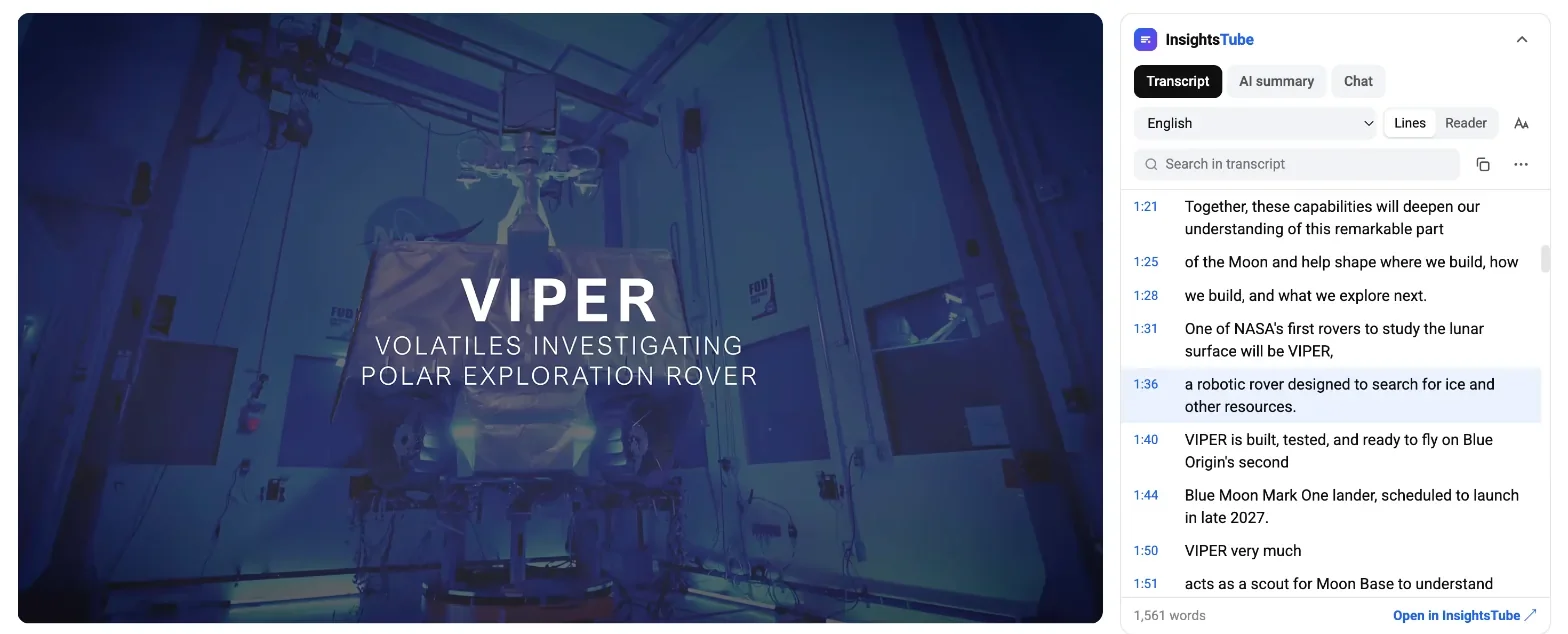
The panel appears on every YouTube video with captions. Collapse it when you don't need it.
The current line is highlighted as the video plays. Click any line to jump to that moment.
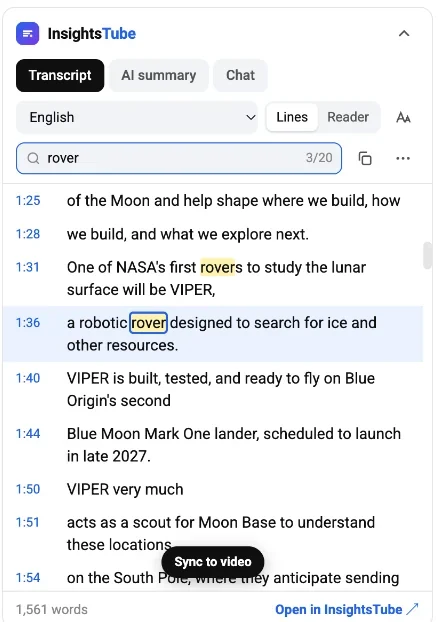
Find every mention of a word and step through the matches with Enter.
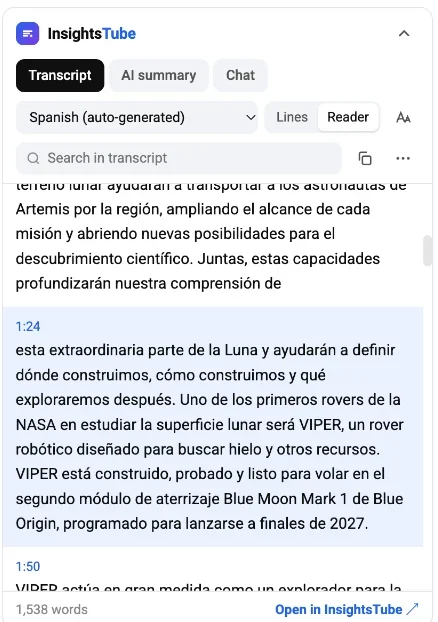
Switch between all caption tracks of the video, or use YouTube auto-translate.
Timestamped lines for navigation, or clean paragraphs for reading.
Copy as paragraphs, line by line without timestamps, with timestamps, or as a ready prompt for AI chats.
Download the transcript as plain text or as subtitles with timings.
Switch between every caption track of the video or use YouTube auto-translate. The extension opens the original spoken language first, so you are not handed a translation by accident.
Both read the captions YouTube already has, so the transcript is the same. The difference is where you work and what you do with it.
| Website | Chrome extension | |
|---|---|---|
| Where it works | insightstube.com, paste a link | youtube.com, next to the player |
| Daily limit | 3 a day, 5 with a free account | No limit |
| Account | Needed for AI tools only | Not needed |
| Caption languages | Default track, translation into 30+ | Every track plus YouTube auto-translate |
| AI summary and chat | Yes, with a free account | Opens on the website |
| Downloads | TXT, SRT, VTT, JSON, CSV | TXT, SRT |
Use the website for a summary, chat with the video, translation, or JSON and CSV files. It also works on your phone.
Install the extension if you watch on a computer and want the transcript next to every video, in any caption language, with no daily limit.
Yes. The transcript panel, search, language switching, copy and downloads are free and work without an account.
No. The transcript is read in your browser from the captions YouTube already provides for the video. Nothing is sent to our servers, and there is no tracking or analytics in the extension. Only your panel settings (language, view, text size) are saved locally in your browser.
The extension uses the video's captions. If the creator turned captions off, or YouTube has not generated automatic captions yet (common for new uploads, live streams and music), there is no transcript to show.
Every caption track the video has, plus YouTube auto-translate into 100+ languages. By default the extension picks the original spoken language of the video.
Yes. It is a Chrome Web Store extension, so it also installs in Chromium-based browsers such as Microsoft Edge and Brave.
Open the video on a computer, click "...more" under the title and choose "Show transcript". The extension adds what YouTube's built-in panel lacks: search with match navigation, language switching, copy for AI and TXT/SRT downloads.
Free Chrome extension. No account, no data collected.